Customizing your Workspace
You can customize the visual layout and appearance of the Platform.
How to choose a theme
- Click your avatar
 in the top right-hand corner of the screen.
 -
Select My Profile.
- In the My Profile page, click Edit.
-
Go to the Choose Theme section to select an option.
Available options:
- Auto - this theme is based on your system preferences.
- Classic Theme - this is the light theme.
- Midnight Theme - this is the dark theme.
- Click Update.
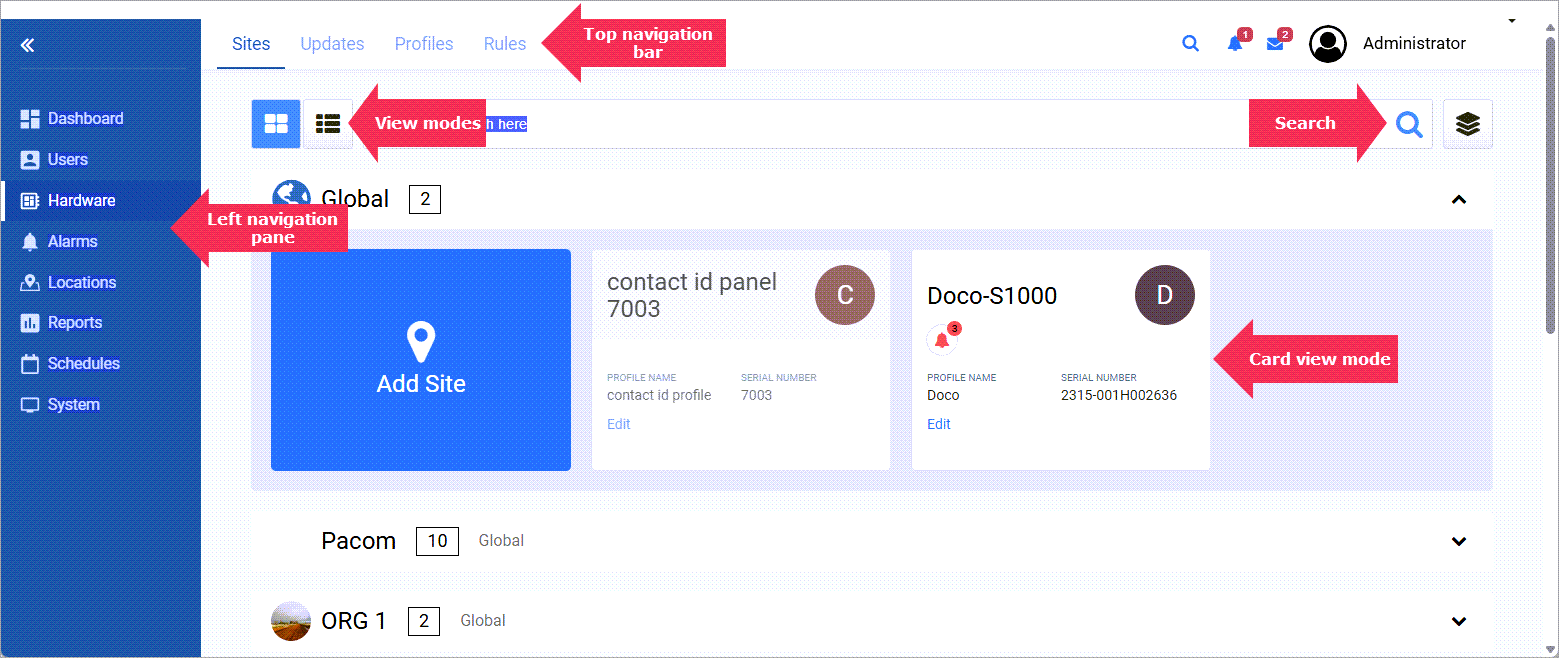
How to select your view
For most VIGIL CORE modules you can select to view the data as:
-
 tiles or thumbnails
or a
-
 list in tabular format.
Click the appropriate icon to display the page contents in the selected view.
System messages
System messages are displayed at the top of the screen to let you know if an action was successful or not. A traffic light color scheme is used for the messages.