Searching
Most pages within PACOM VIGIL CORE that list multiple items include a search field.

Type your criteria in the search field to display the results. At least 3 characters must be typed for the search to find what you are looking for.
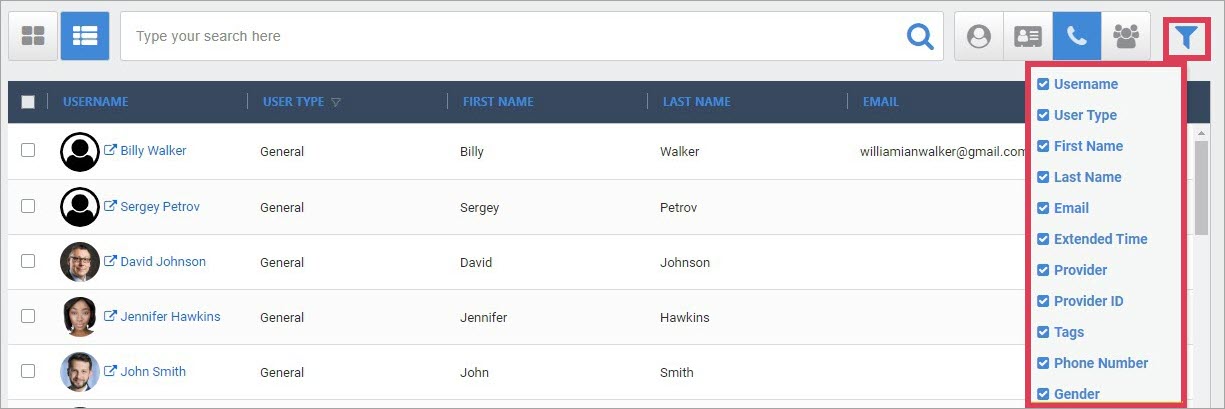
In list view, there is a filter option depending on which list is displayed. Click  to display a list of options to choose from.
For example: